Create Your Wedding Website for Free
Elegant templates with RSVP, gallery, and more. No coding, ready in 10 minutes. Unlimited digital invitations.
Your full plan brings more.
This is just one piece. The same free plan includes these tools, all connected.
Your plan builds itself
370+ tasks with deadlines calculated from your date. We ping you when each one is due.
Sit guests in seconds
Drag and drop. We detect conflicts. Export to PDF print-ready.
Know where every euro goes
Live chart by category. Alerts when you overspend. No spreadsheets.
The Problem with Traditional Invitations
Printed invitations cost hundreds, take weeks to arrive, and collecting confirmations via WhatsApp is a mess. You need a modern, fast, and eco-friendly solution.
No card · 2 min to start
Everything You Need for Your Wedding Website
Customizable Designs
Choose from elegant and modern templates. Customize colors, fonts, and images without coding.
100% Responsive
Your website looks great on mobile, tablet, and desktop. Your guests can view it from any device.
Online Confirmation
Integrated RSVP system. Your guests confirm with a click and you receive real-time notifications.
Digital Invitations
Send the link via email, WhatsApp, or social media. Track who has viewed the website.
Custom URL
Choose your website address with your names (planivia.net/web/maria-and-juan) and share it with a single link.
Photo Gallery
Upload photos from your story, pre-wedding, or the big day. Your guests can view and download them.
See the actual templates
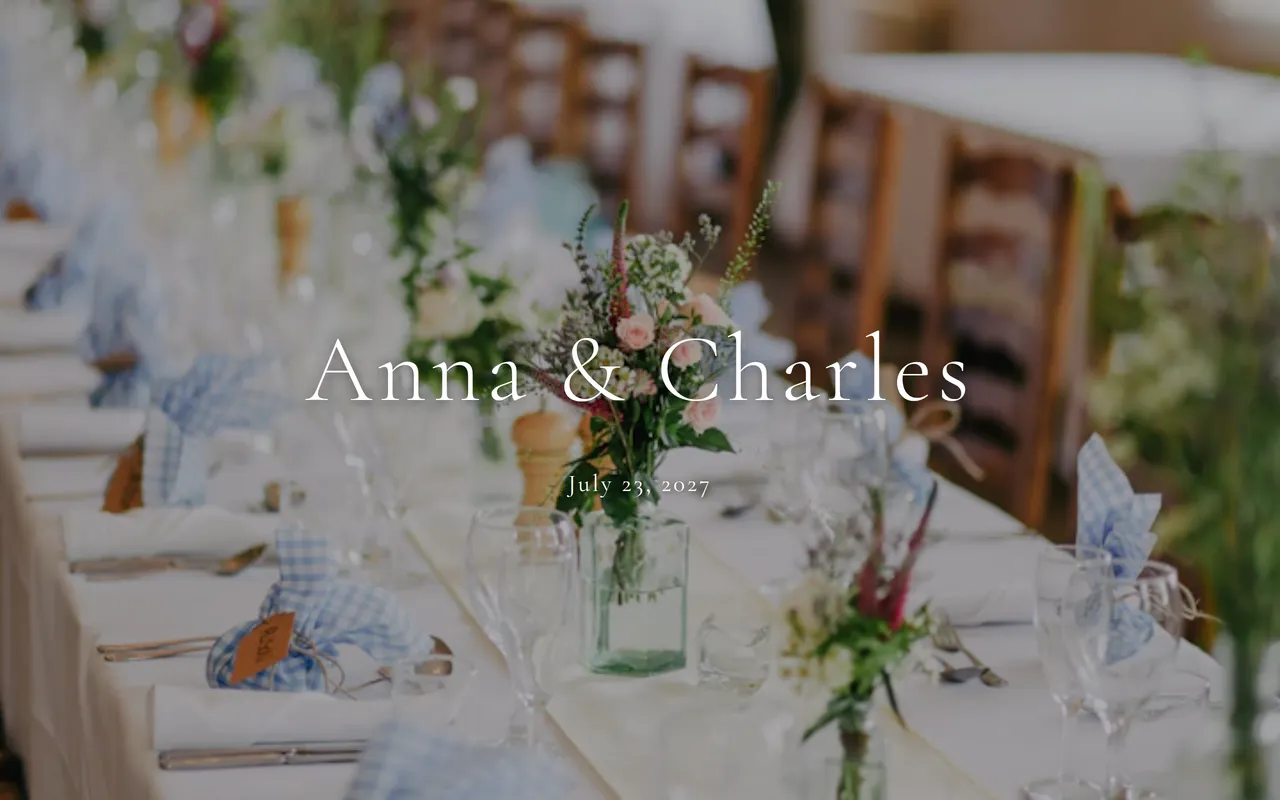
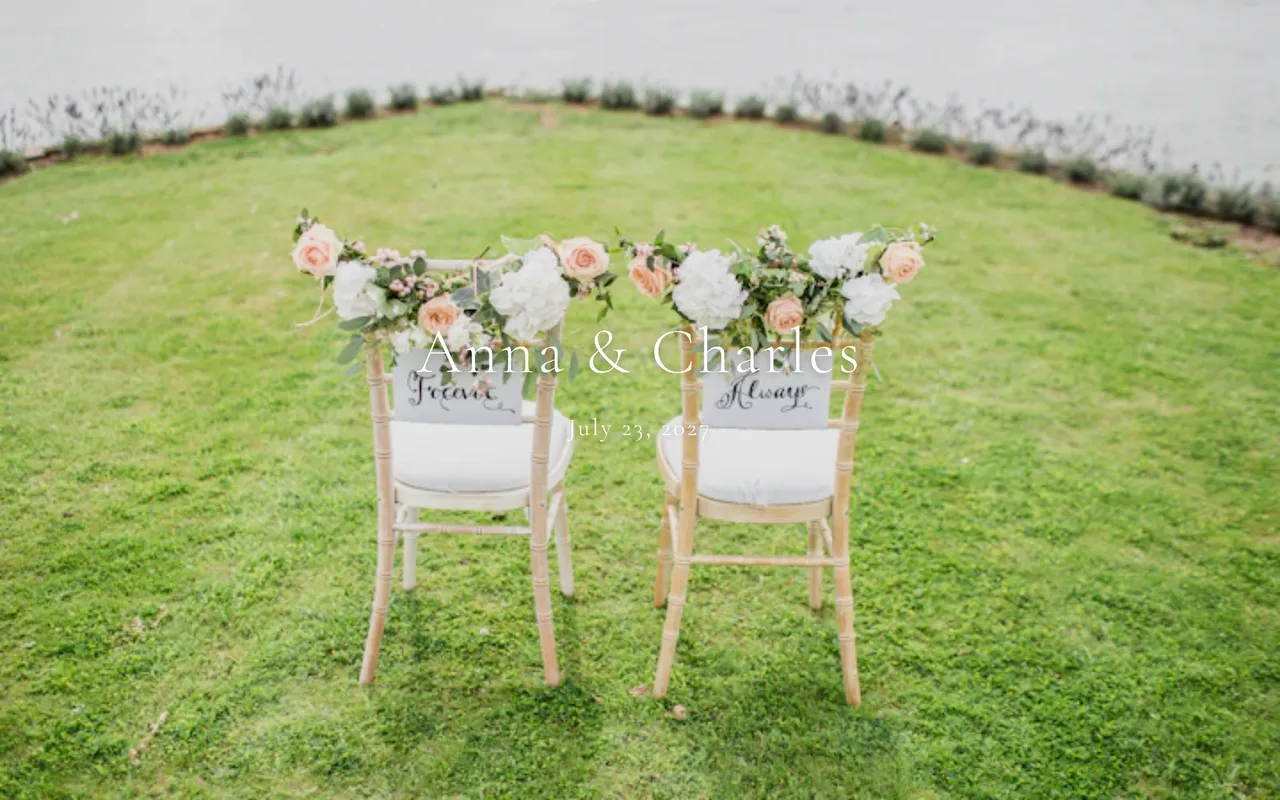
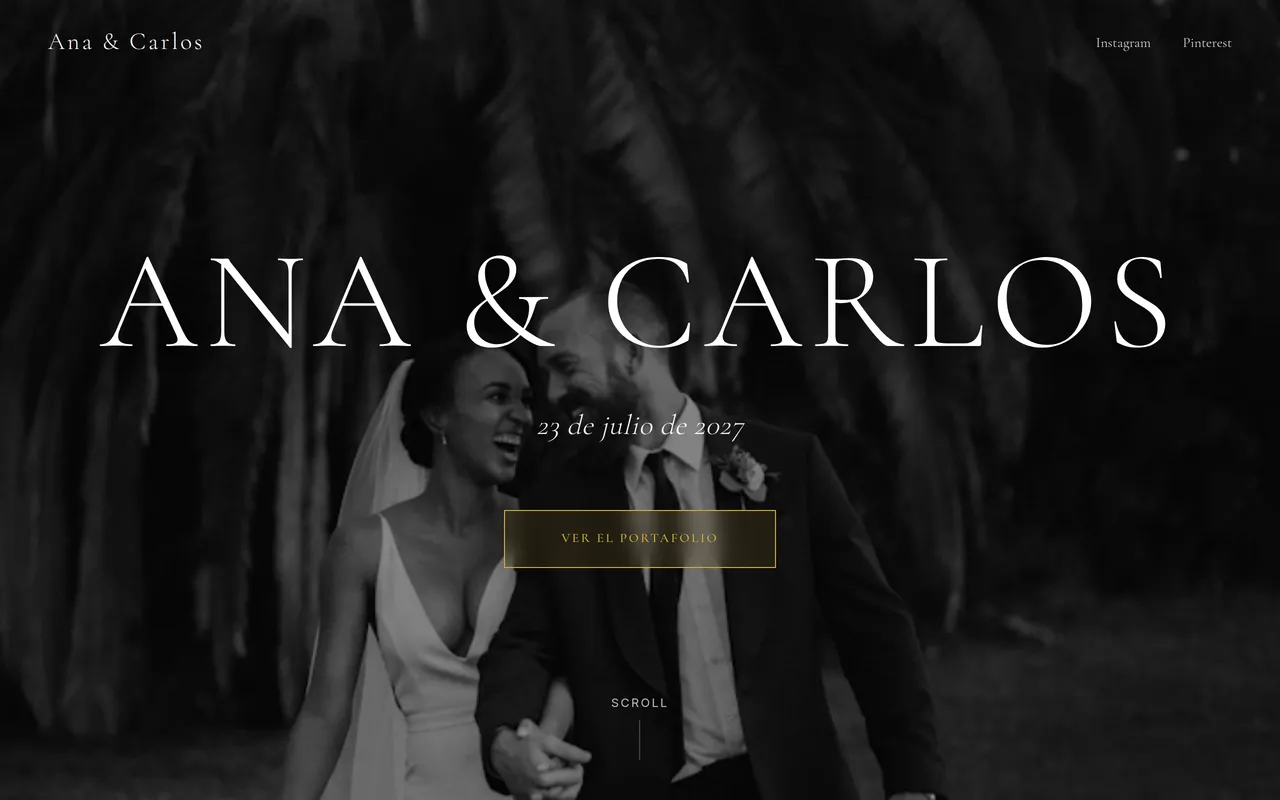
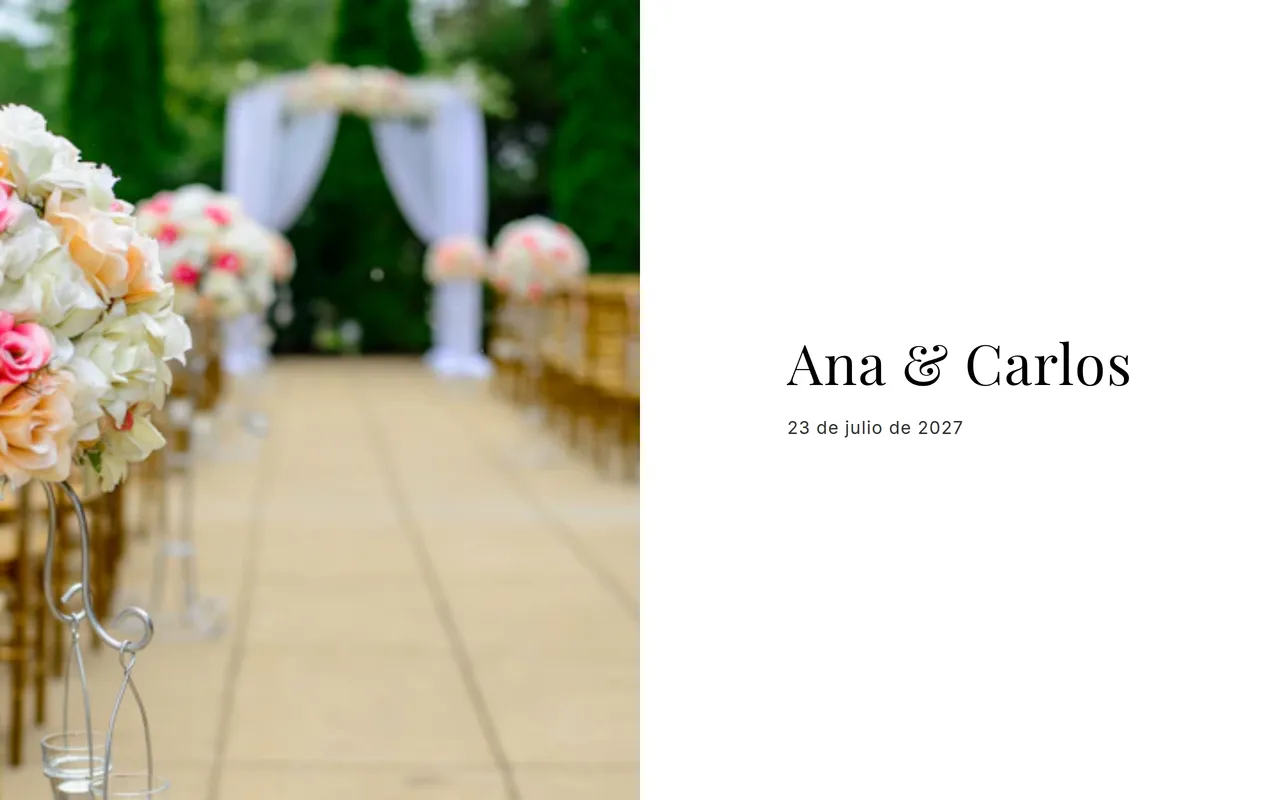
Four of the 12 available templates, exactly as your guests will see them. All 100% customizable: colors, fonts, photos and sections.
Boho & Complete
Gallery, story with images, countdown and RSVP in a bohemian style.
Romantic & Natural
Floating petals effect, photo gallery, countdown and RSVP.
Modern & Editorial
Magazine style with day-of timeline, event details and professional RSVP.
Luxury & Elegance
Sophisticated hero, love story, event details and elegant RSVP.
Included Sections
Cover with photo
Countdown
Our story
Event details
RSVP form
Photo gallery
Gift list
Accommodation info
Benefits of a Digital Website
Complete guide: how to build your wedding website
A wedding website has become an essential tool for modern couples. It's where your guests find everything: date, venue, map, dress code, accommodation, gift list and RSVP. All in a single link you share via WhatsApp.
With Planivia, building your wedding website is as easy as picking a template, changing the text and uploading your photos. No code, no design skills. In 15 minutes you have a professional site ready to share.
Why you need a wedding website
What to include in your wedding website
How much does a wedding website cost?
Planivia's wedding website is included in the Wedding Pass for just 35 € — a single payment, no monthly fee (price adjusted to your country). Includes professional templates, integrated RSVP, photo gallery, interactive map and custom URL. No limits on visits or guests.
Planning your wedding? Check our complete wedding planning guide and the wedding checklist with 370+ tasks.
Wedding website FAQs
Do I need to know how to code to create my wedding website?
No. With Planivia you pick a template, change the text and upload your photos. All visual, no code. Your site is ready in 15 minutes.
Can guests confirm attendance from the website?
Yes. The site includes an integrated RSVP form where guests confirm attendance, pick a menu and report allergies. Responses sync automatically with your guest list.
Can I customize the URL of my wedding website?
Yes. You can choose a custom URL with your names, e.g.: planivia.net/web/ana-and-pedro. Easy to remember and share.
Does the wedding website work on mobile?
Yes. All templates are responsive and automatically adapt to mobile, tablet and desktop. Most guests will view it on mobile.
Is the wedding website really free?
Yes. There are free templates you can create and publish without paying anything. Premium templates and blocks are included in the Wedding Pass — a one-time payment, no monthly fee, with pricing adjusted to your country.
Do my guests need to sign up or install anything?
No. The website is a regular link that opens in any browser. Your guests confirm attendance directly from the form, without creating an account or downloading any app.
Can I edit the website after publishing it?
Yes. You can change text, photos and sections at any time, and your guests instantly see the updated version. You can also publish or unpublish it whenever you want.
Can I preview it before sharing?
Yes. The editor shows a real preview of your website as you build it, so you can review everything before sending the link to anyone.